
For you and your class
Your online timetable.
Your week. Your design.
Create a timetable, add your subjects and share it with your class. Everyone chooses the design that suits them. You can also use it just for yourself. And the best part: Everyone is notified when changes are made.
View without an account. Sign up for free to create your own.
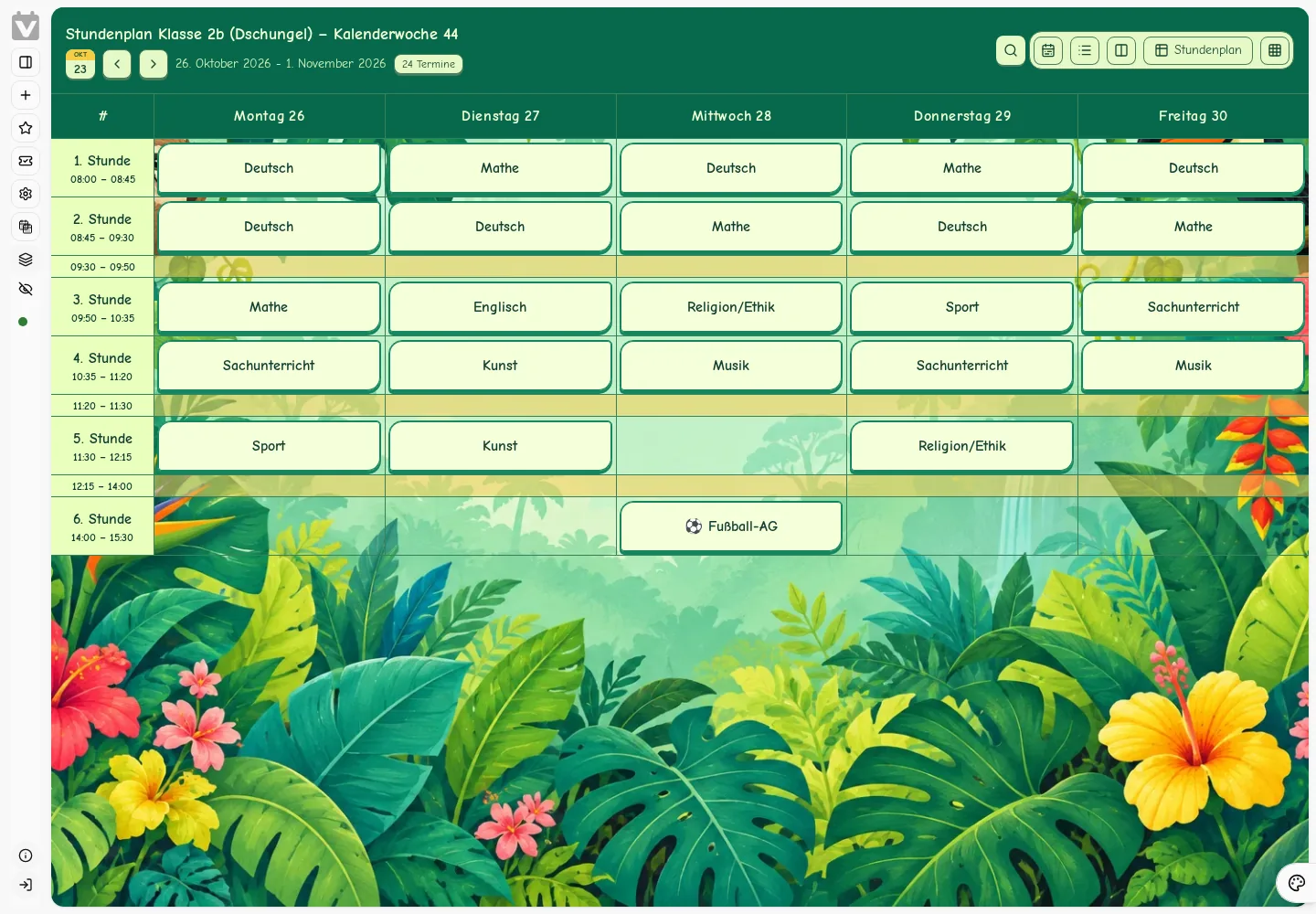
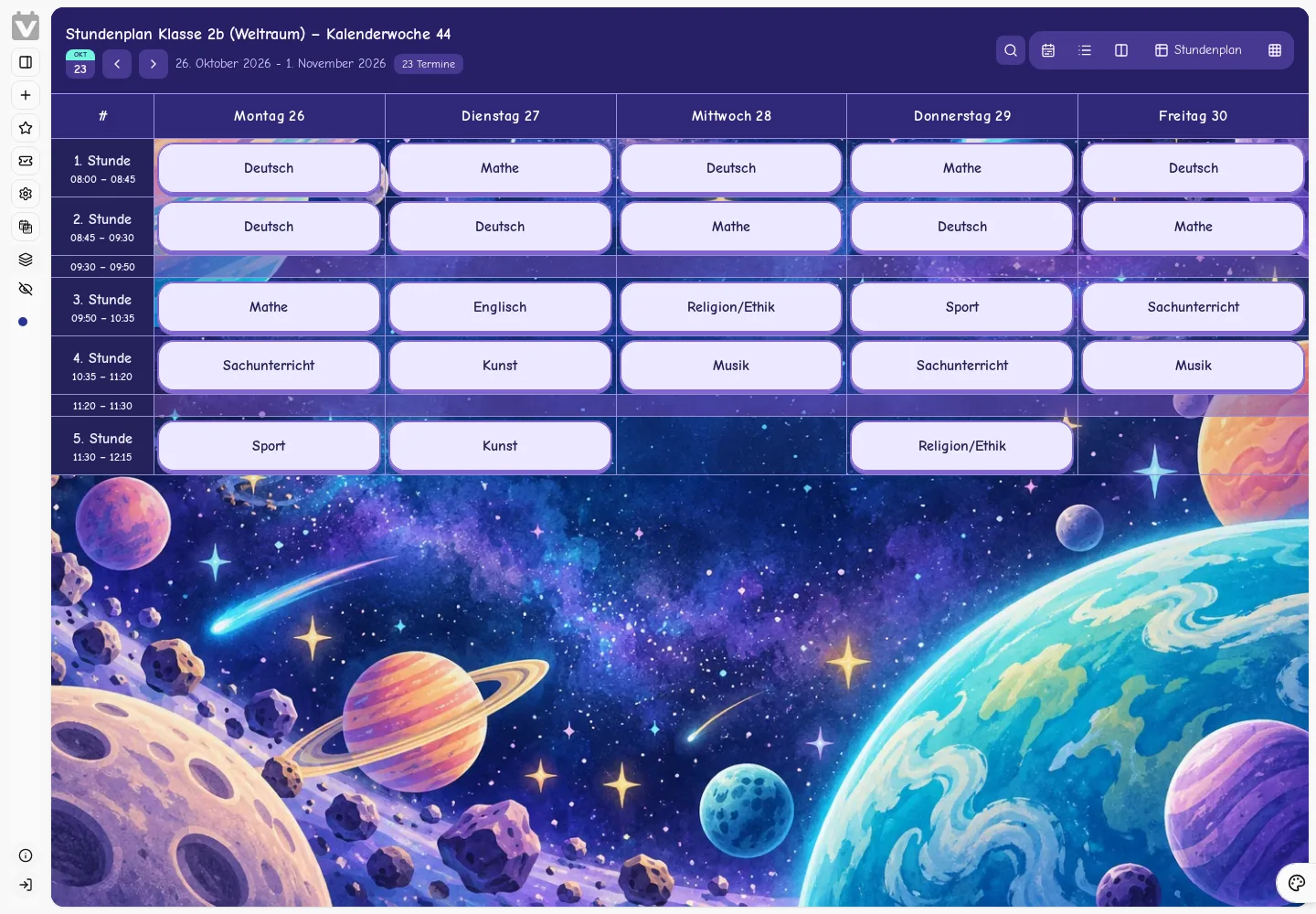
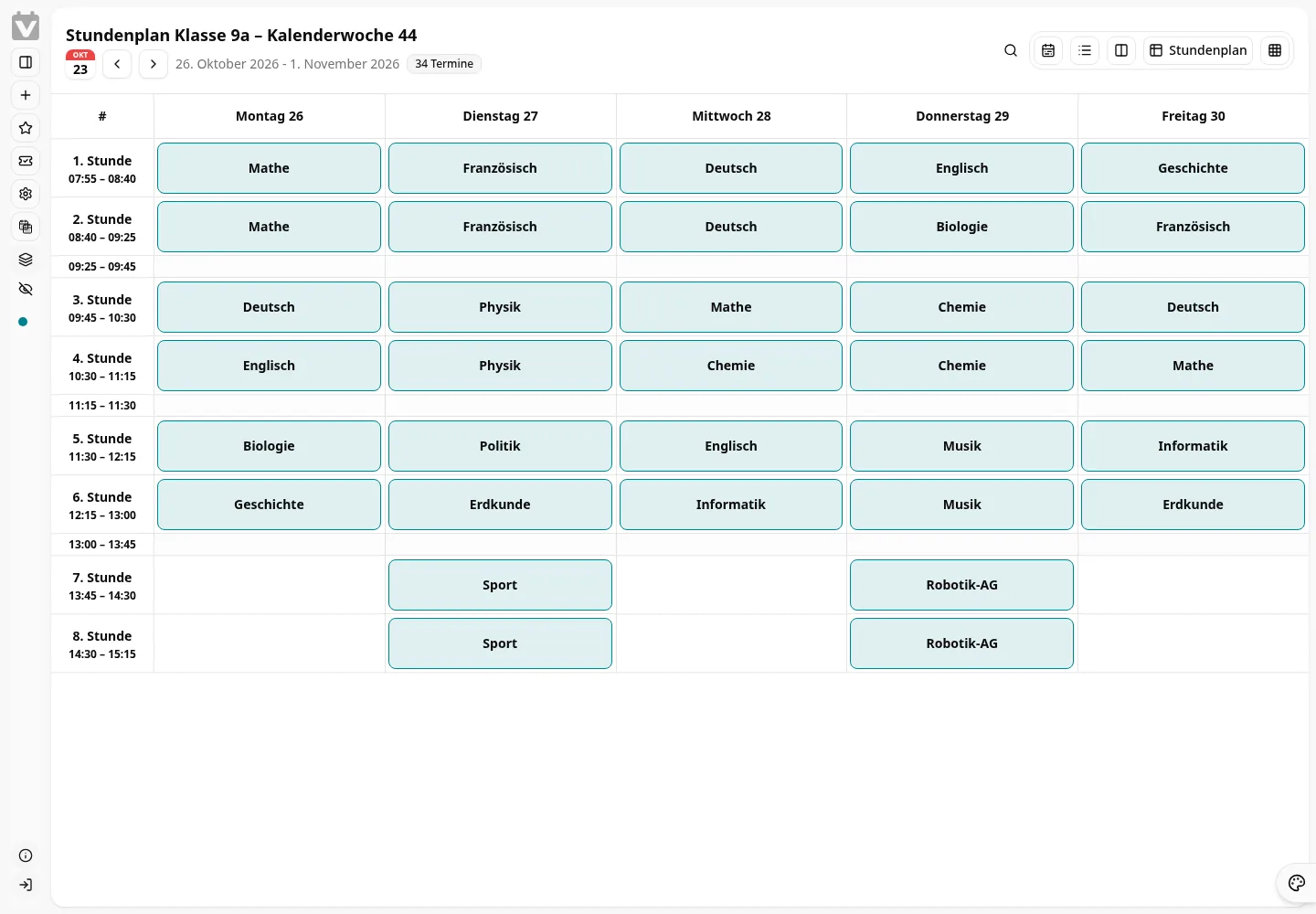
Choose your favourite design from a variety of skins.
Open an example timetable and try it out right away.
Create and share a timetable
Create it once, reach everyone.
- 1
Sign up for free
Create an account and set up an organization for your class.
- 2
Add your lessons
Create a calendar with weekly recurring lessons. Enable the timetable view and choose your design.
- 3
Share your timetable
Copy the calendar link from the sharing menu and send it to your class, for example via WhatsApp.
Timetables and AI
Hey Grok, what subjects do I have tomorrow?
With the voo.sh API, you can integrate your calendars and events into your own applications and your AI agent.
API documentationKeep privacy safe
Share the timetable, but nothing more.
Who can see the timetable?
Personal calendars are private by default; organization calendars initially show only to members. Choose who gets access. Signed-in users with the link can view an unlisted calendar. Public calendars can be viewed without signing in and can also be discovered.
What should I put in the timetable?
Add subjects and lesson times. Keep children’s names and other personal details out of public calendars. The public examples contain fictional data only.
Does my class need an account?
Public calendars can be viewed without an account. You must sign in to view unlisted calendars. Creating and managing a calendar requires an account; private calendars require access permission.